Excel template · Macros
Excel data entry form with macros
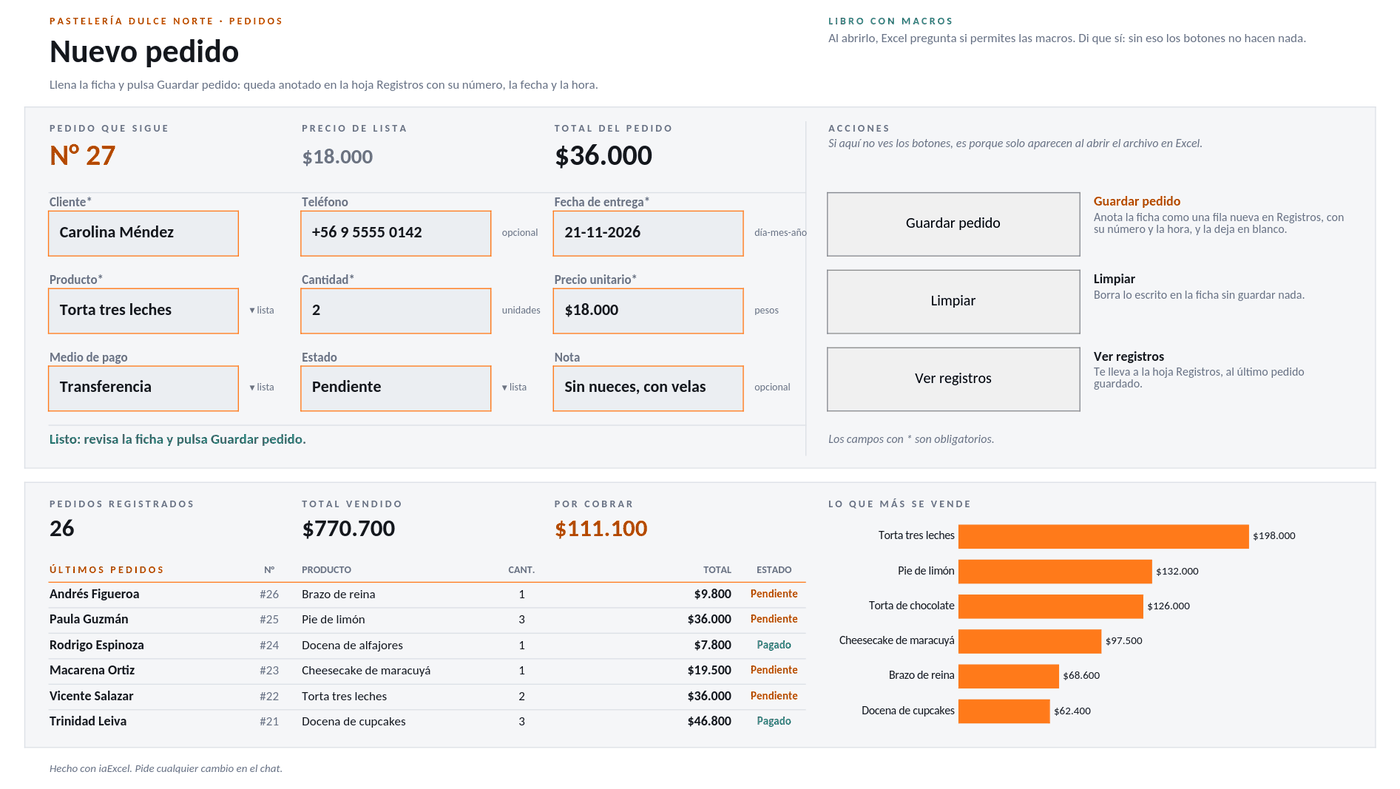
Fill in the form, press Save and the macro adds the entry to its list with a number, date and time, and clears the fields for the next one. Next to it you see the totals and the latest entries.
For anyone logging orders, visits or service calls who wants a form with a button instead of typing into a table.
No card · Opening it uses no credits
What it solves
- A form with a Save button that stores each entry with its number, date and time
- Fields that clear themselves so you can enter the next one
- Totals and the latest entries in view, next to the form
- File
- Registro con formulario.xlsm
- Category
- Macros
- Sheet
- 3 sheets
What the file includes
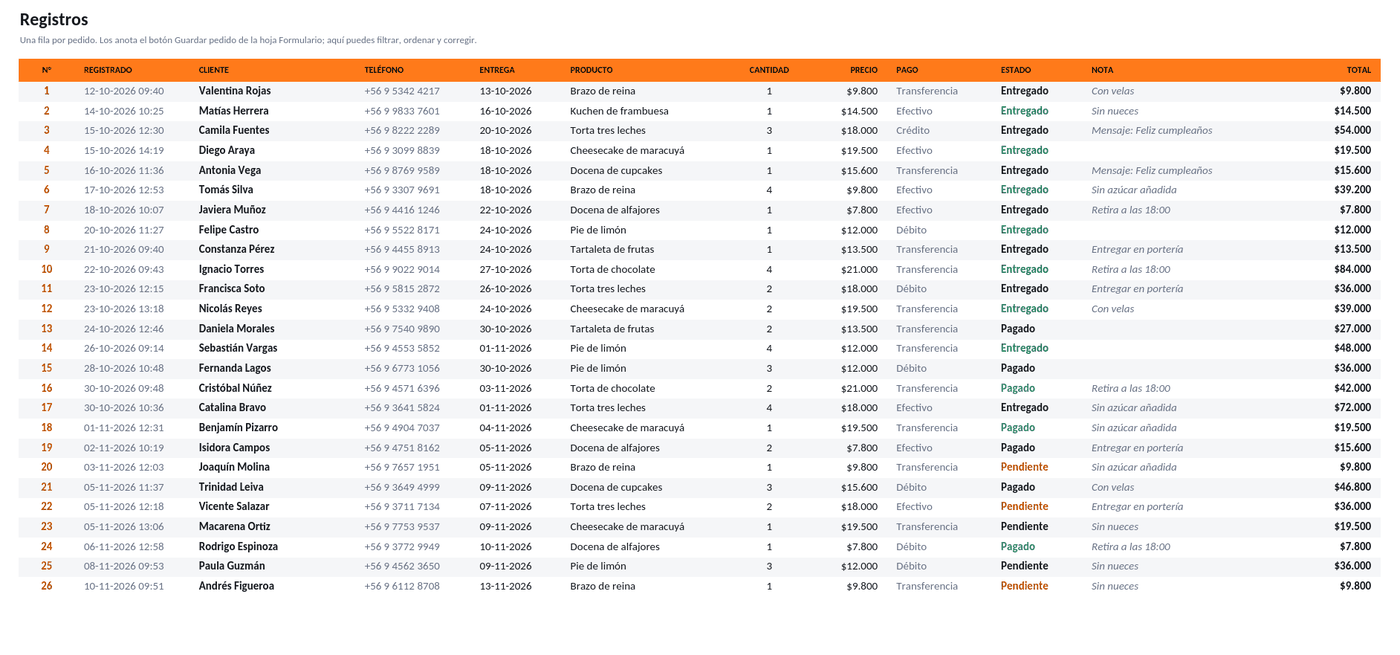
Real captures of its sheets: what you see is the file you get, with 3 sheets.
In two styles
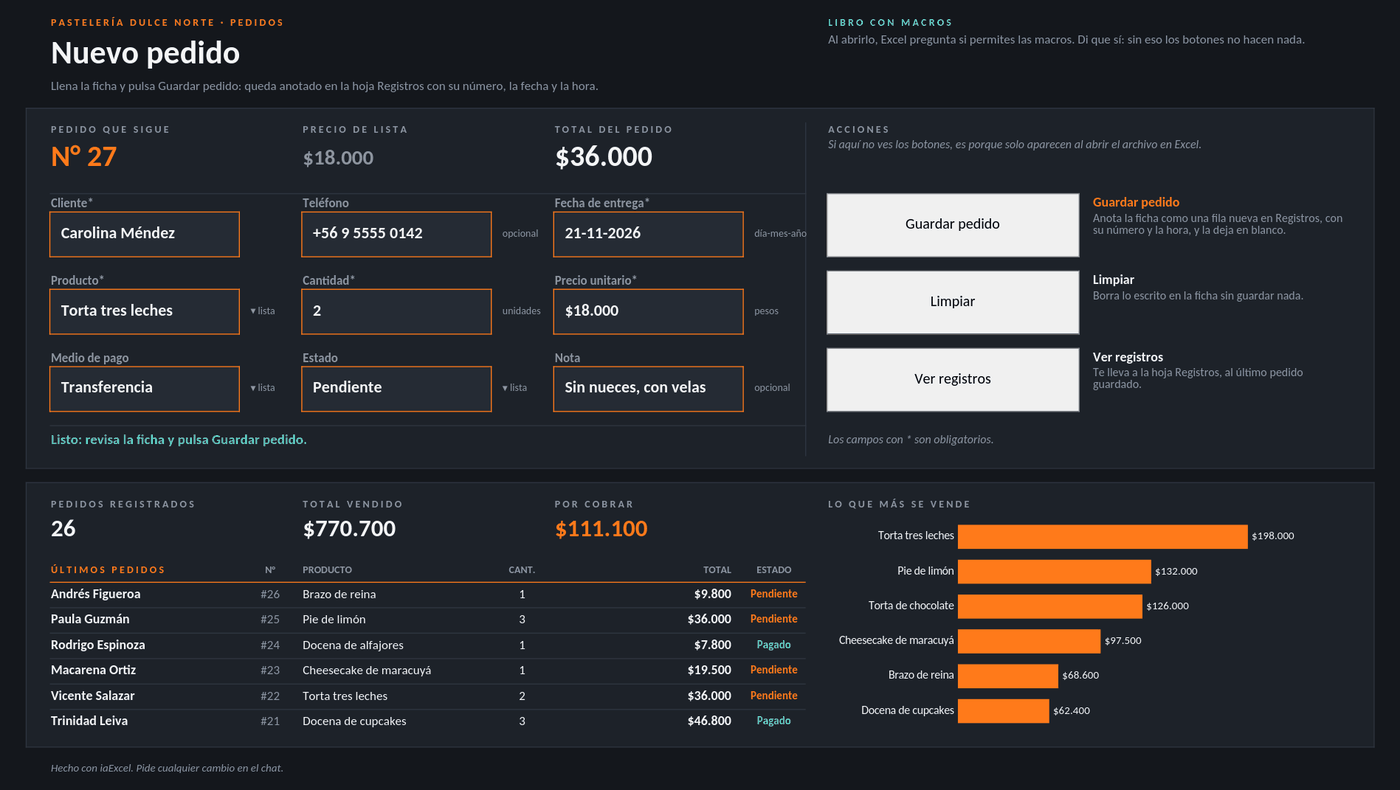
The same file, with the same formulas: in its own palette or on a white sheet.
How to use it
Use this template- 1
Open it in iaExcel
It opens as your own job, with all its sheets and formulas.
- 2
Adapt it to your case
Ask the AI to change categories, names or columns, or edit the cells yourself.
- 3
Download it in Excel
Take the file with you and keep working in Excel.
Frequently asked questions
Do I need to know how to write macros?
No. The macro is already written inside the file (.xlsm). When you open it in desktop Excel it will ask you to enable macros; after that you just fill in the form and press Save.
Is it free?
Creating the account is free and opening the template uses no credits. The free plan includes two downloads per cycle; paid plans have unlimited downloads.
Can I adapt it to my business?
Yes. Open it in iaExcel and ask for the change in your own words (“adapt it to my hardware store”, “add a seller column”): the AI edits the file and keeps the formulas and the design. You can also edit it yourself in Excel.
Which program opens it?
It is an Excel file with macros (.xlsm). The macros run in desktop Microsoft Excel, once you enable them when opening the file.
More Excel templates
See all templates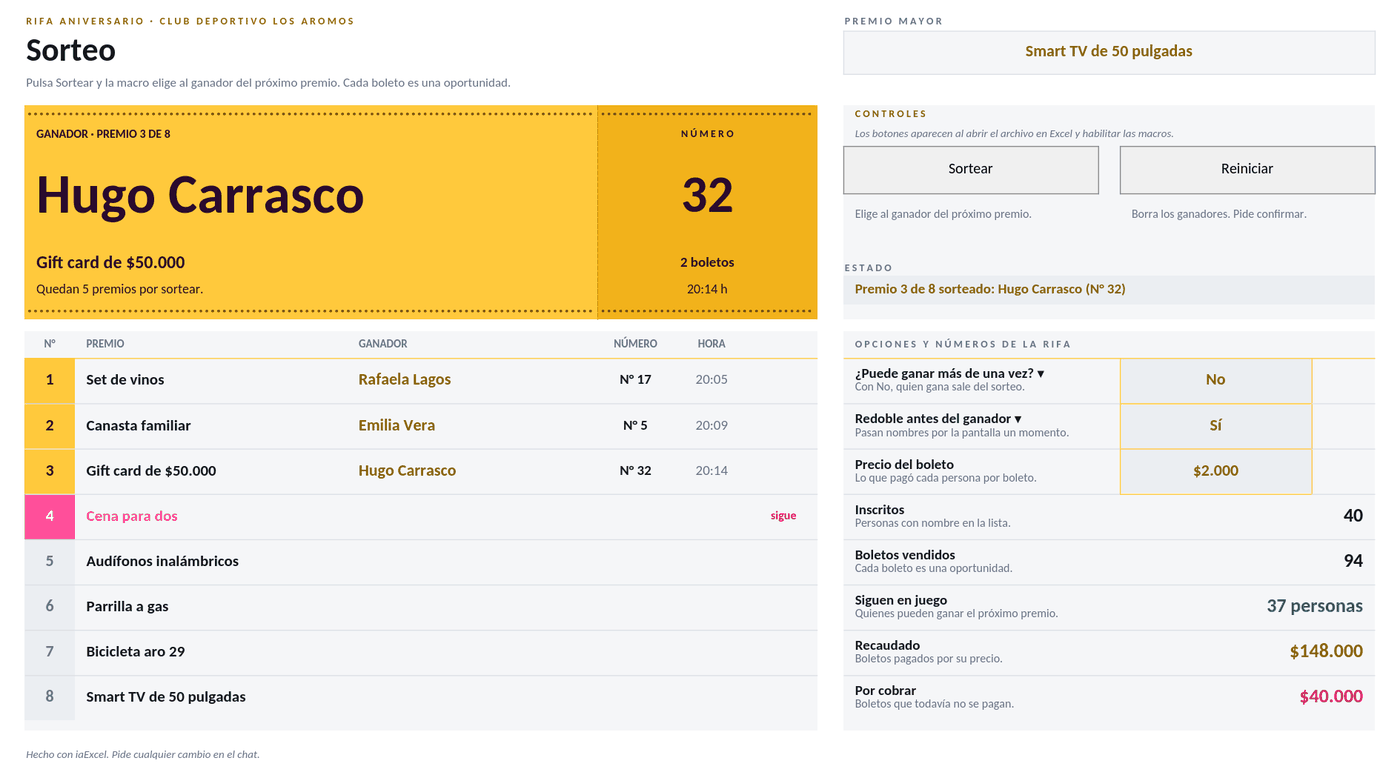 MacrosRaffle drawPress Draw and the macro picks the winner among those still in play, with one chance per ticket, and writes down the prize, ticket and time. Prizes fill in order and you can reset everything.
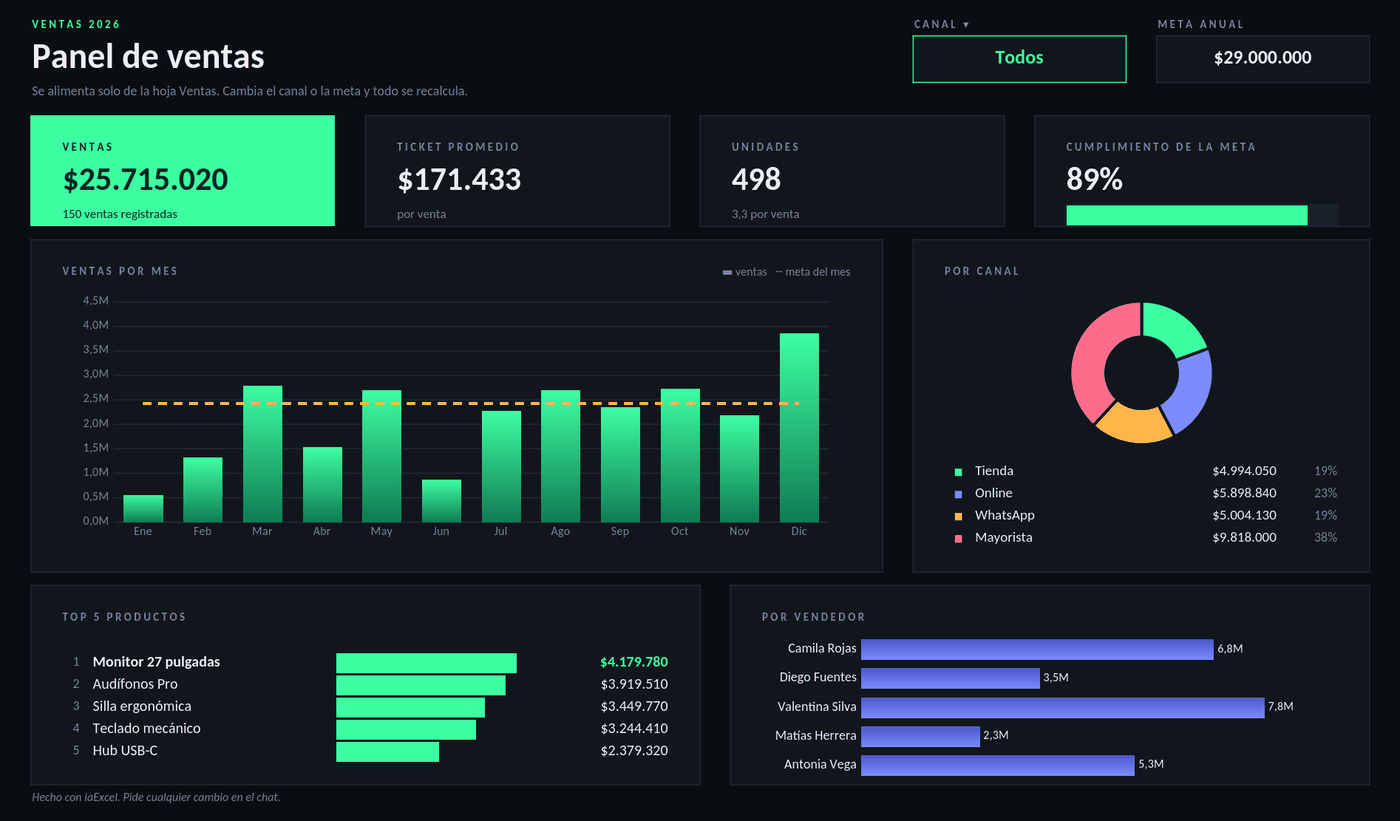 SalesSales dashboardA dark dashboard that builds itself from your sales log: total, average ticket, progress against the goal, sales by month and by channel, and the ranking of products and sellers. Filter by channel with a dropdown.
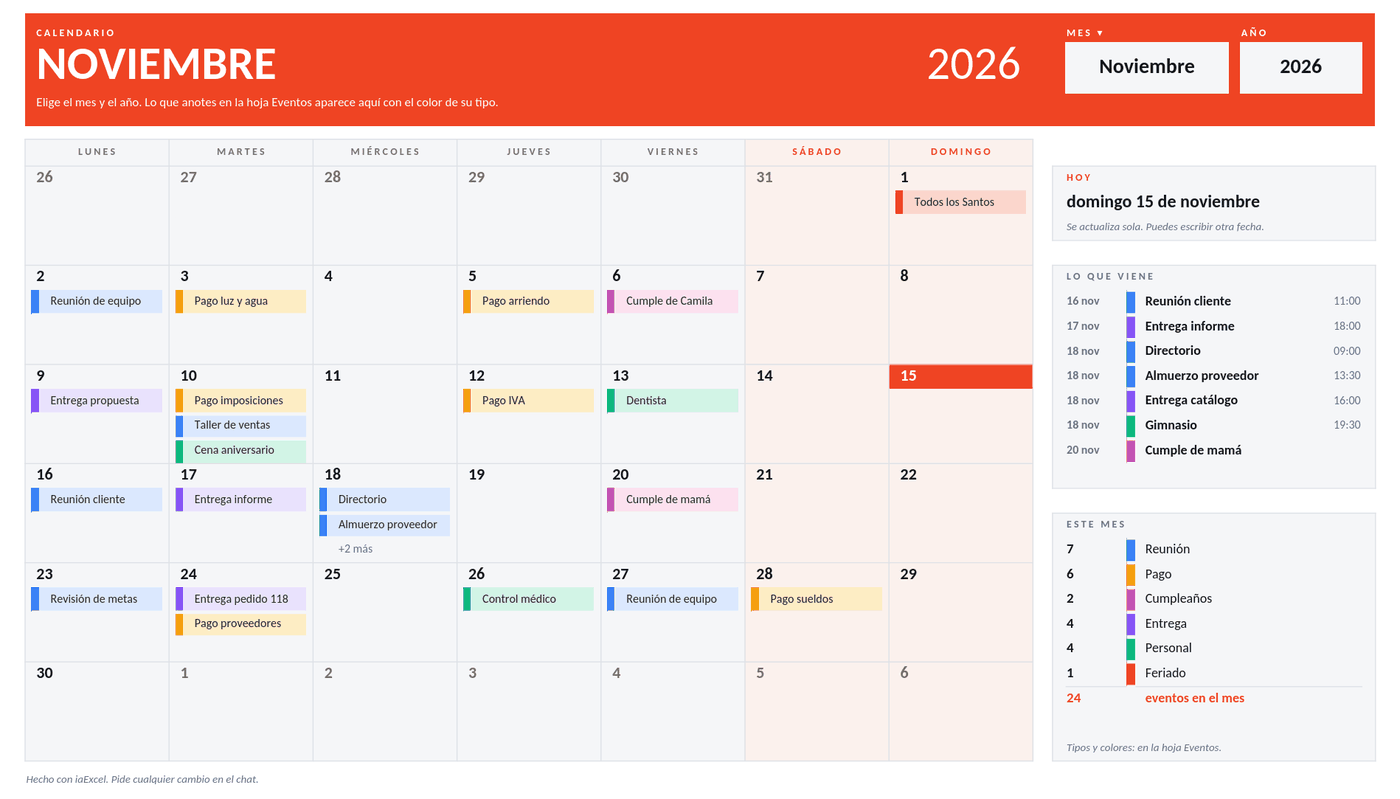 PlanningCalendarPick the month and year and the calendar builds itself. You list your events and they show up on their day in the color of their type, next to what is coming up and a full-year view.
Need a workbook that isn't here?
Describe it in your own words and iaExcel builds it from scratch, with formulas and design.
Create my Excel with AI