Excel template · Planning
Weekly schedule Excel template
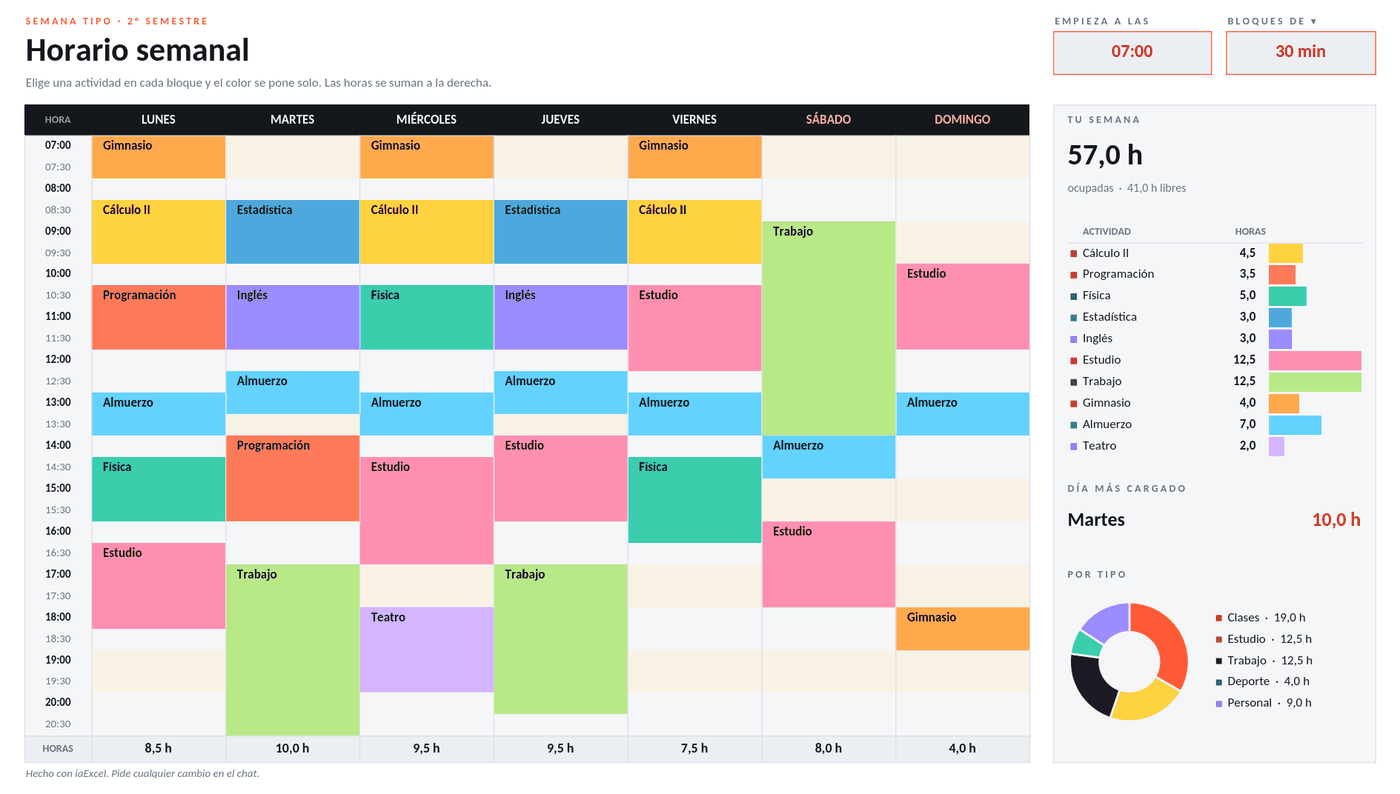
Pick an activity in each block and it takes its color. Change the start time or the block length and the grid rebuilds; next to it you see how many hours each thing gets.
For students, teachers and anyone who wants to plan their week in blocks.
No card · Opening it uses no credits
What it solves
- A weekly grid where each block takes the color of its activity
- Start time and block length you change in one place
- How many hours each activity gets, next to the schedule
- File
- Horario semanal.xlsx
- Category
- Planning
- Sheet
- 2 sheets
What the file includes
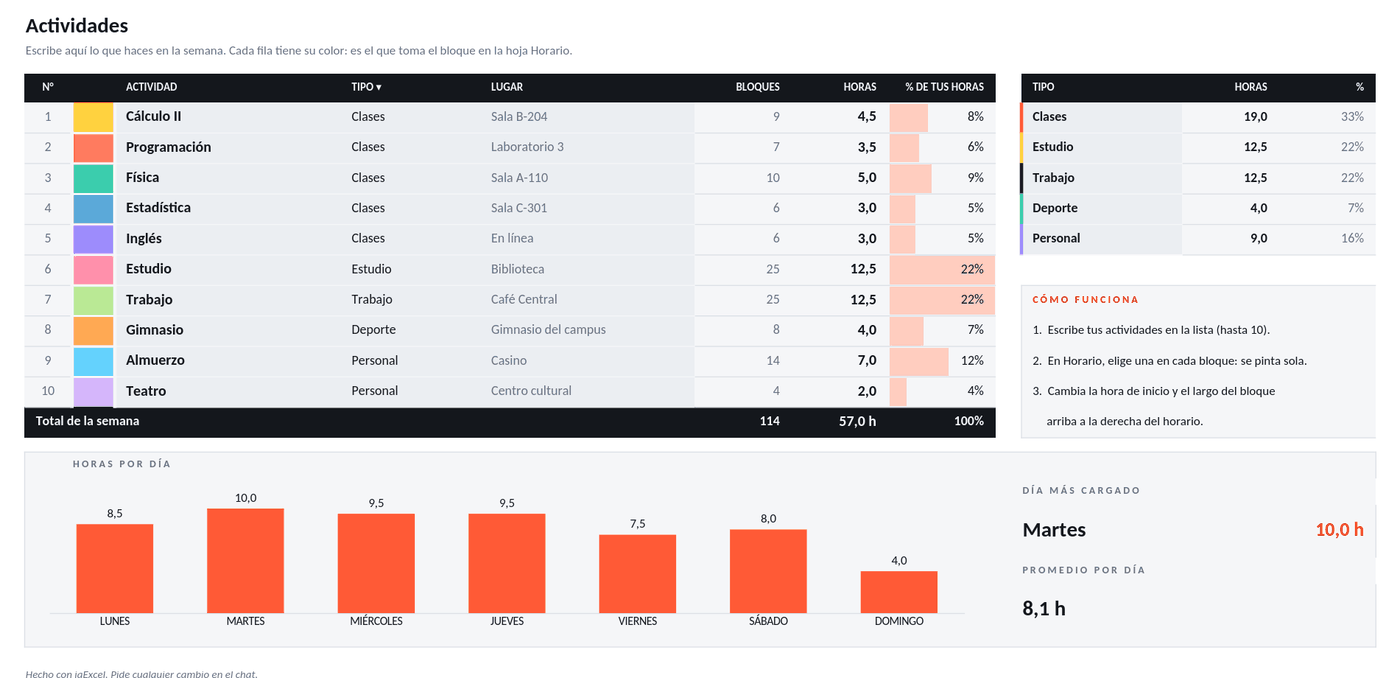
Real captures of its sheets: what you see is the file you get, with 2 sheets.
In two styles
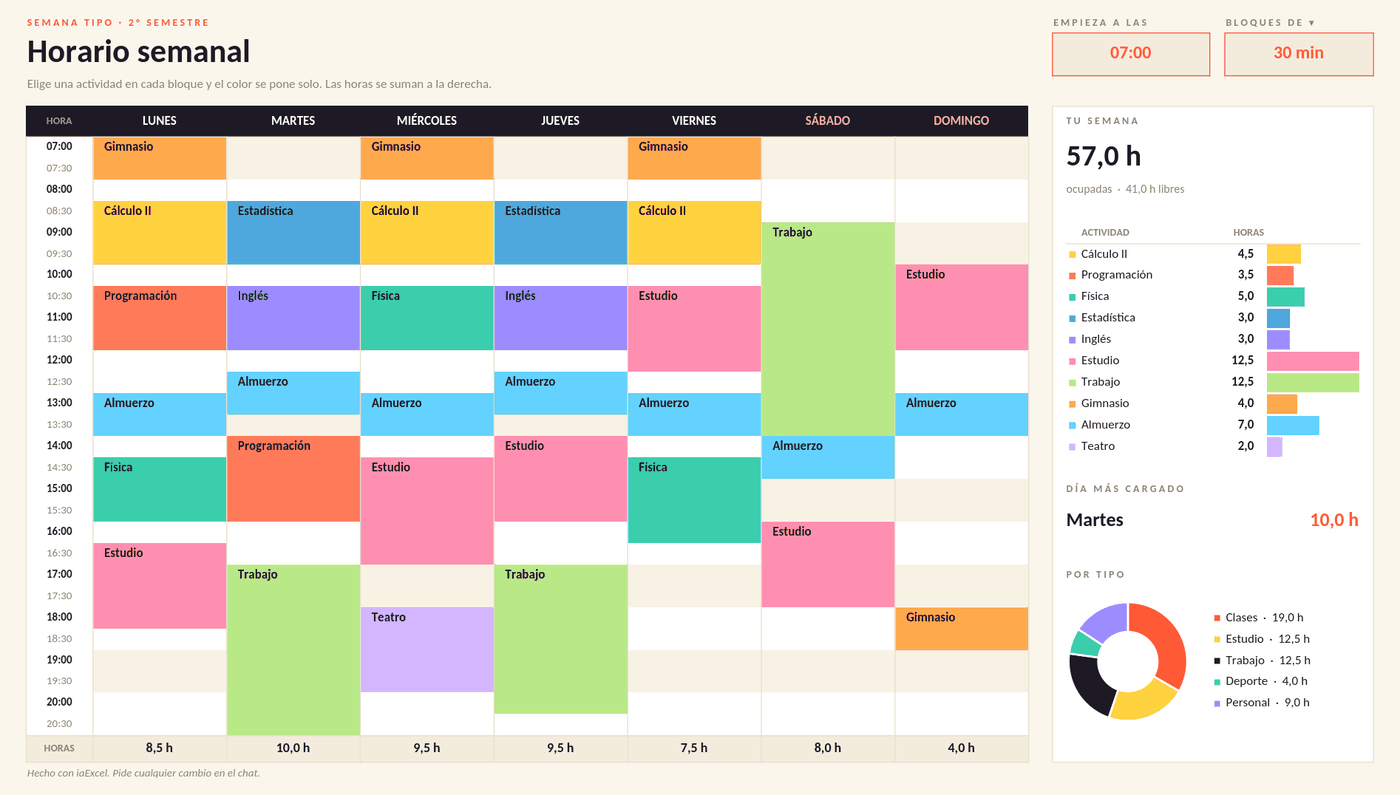
The same file, with the same formulas: in its own palette or on a white sheet.
How to use it
Use this template- 1
Open it in iaExcel
It opens as your own job, with all its sheets and formulas.
- 2
Adapt it to your case
Ask the AI to change categories, names or columns, or edit the cells yourself.
- 3
Download it in Excel
Take the file with you and keep working in Excel.
Frequently asked questions
Can I change the start time and the block length?
Yes. Change the start time and the block length and the whole grid rebuilds with those slots. Activities and their colors are set on the Actividades sheet.
Is it free?
Creating the account is free and opening the template uses no credits. The free plan includes two downloads per cycle; paid plans have unlimited downloads.
Can I adapt it to my business?
Yes. Open it in iaExcel and ask for the change in your own words (“adapt it to my hardware store”, “add a seller column”): the AI edits the file and keeps the formulas and the design. You can also edit it yourself in Excel.
Which program opens it?
It is an Excel file (.xlsx) with regular formulas, dropdowns and conditional formatting. It opens in Microsoft Excel and you can view and edit it in iaExcel without installing anything.
More Excel templates
See all templates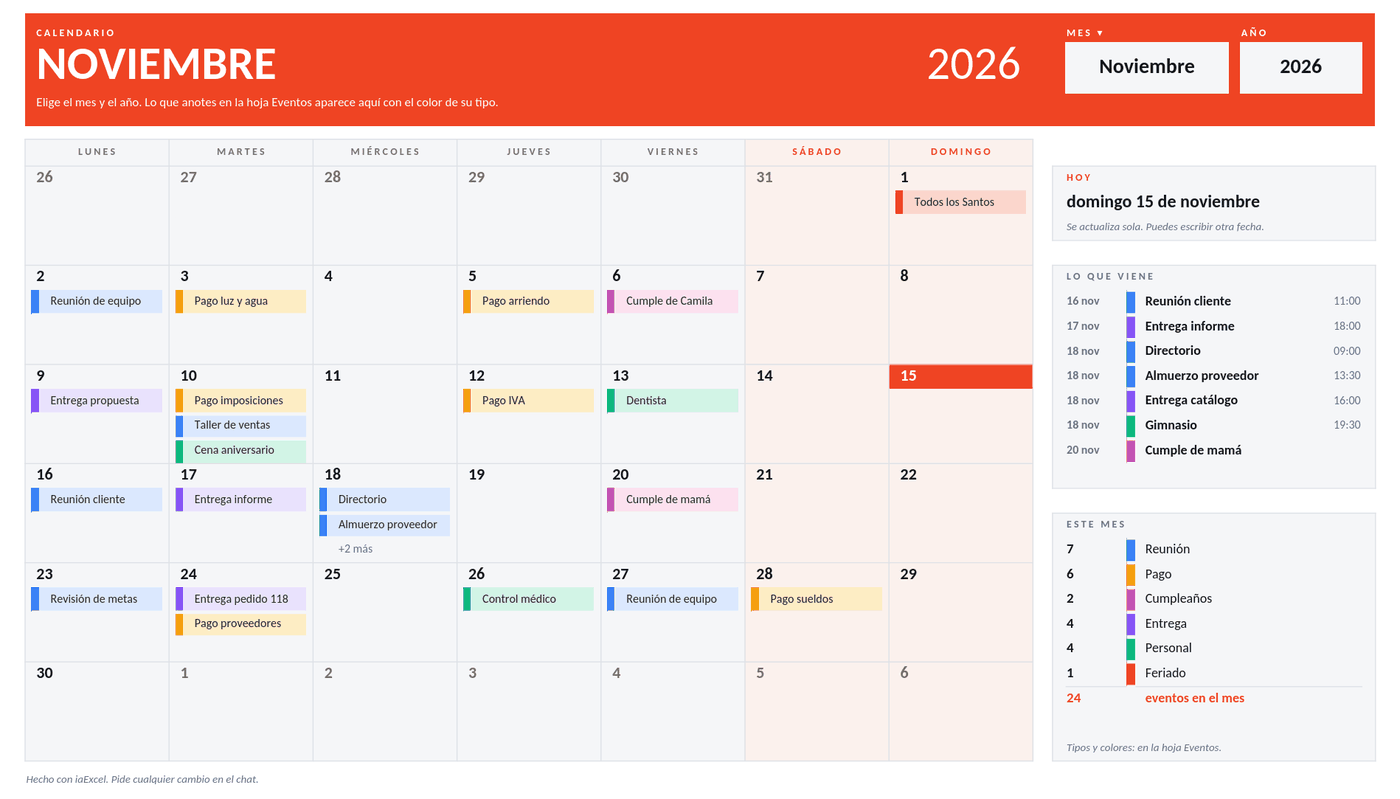 PlanningCalendarPick the month and year and the calendar builds itself. You list your events and they show up on their day in the color of their type, next to what is coming up and a full-year view.
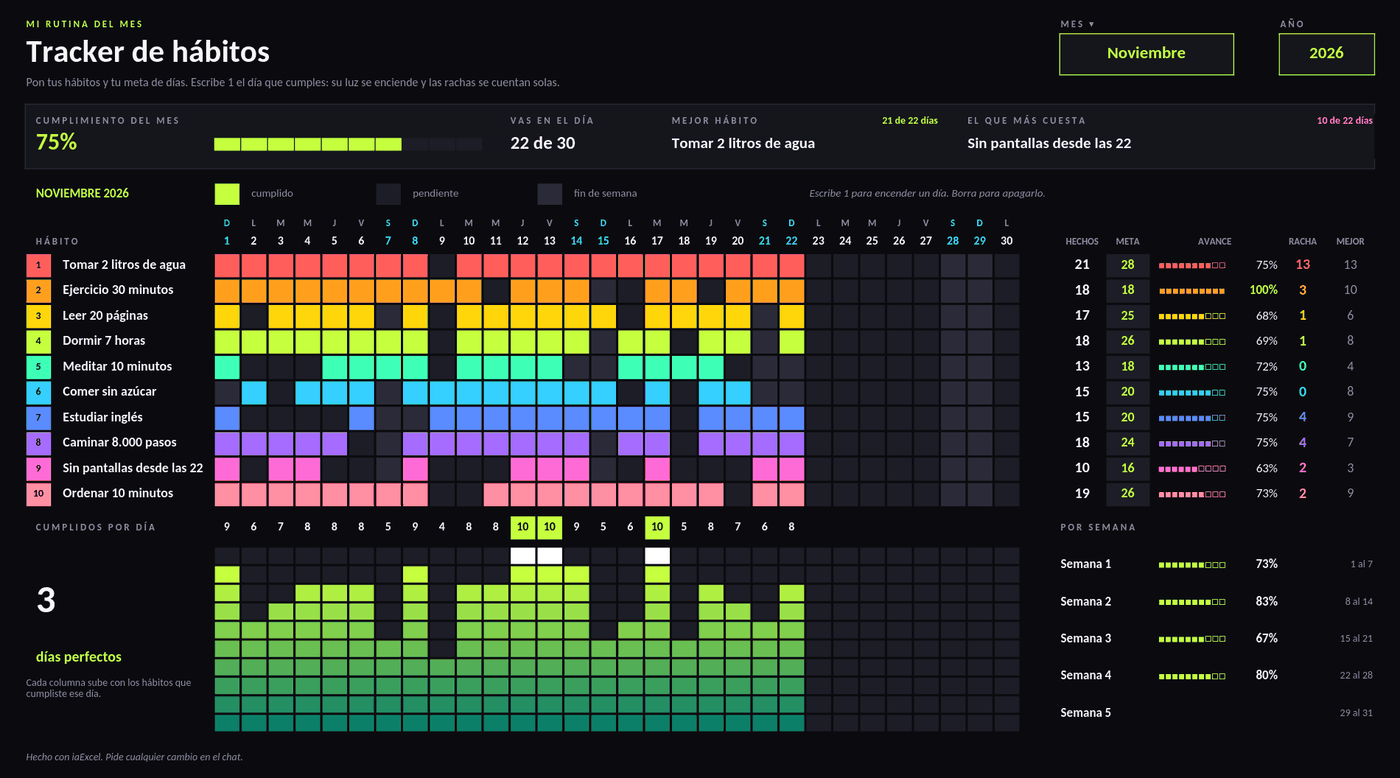 PlanningHabit trackerType a 1 for each day you did it and the board lights up. It keeps your current streak, your best streak, progress against each habit's goal and the month's completion.
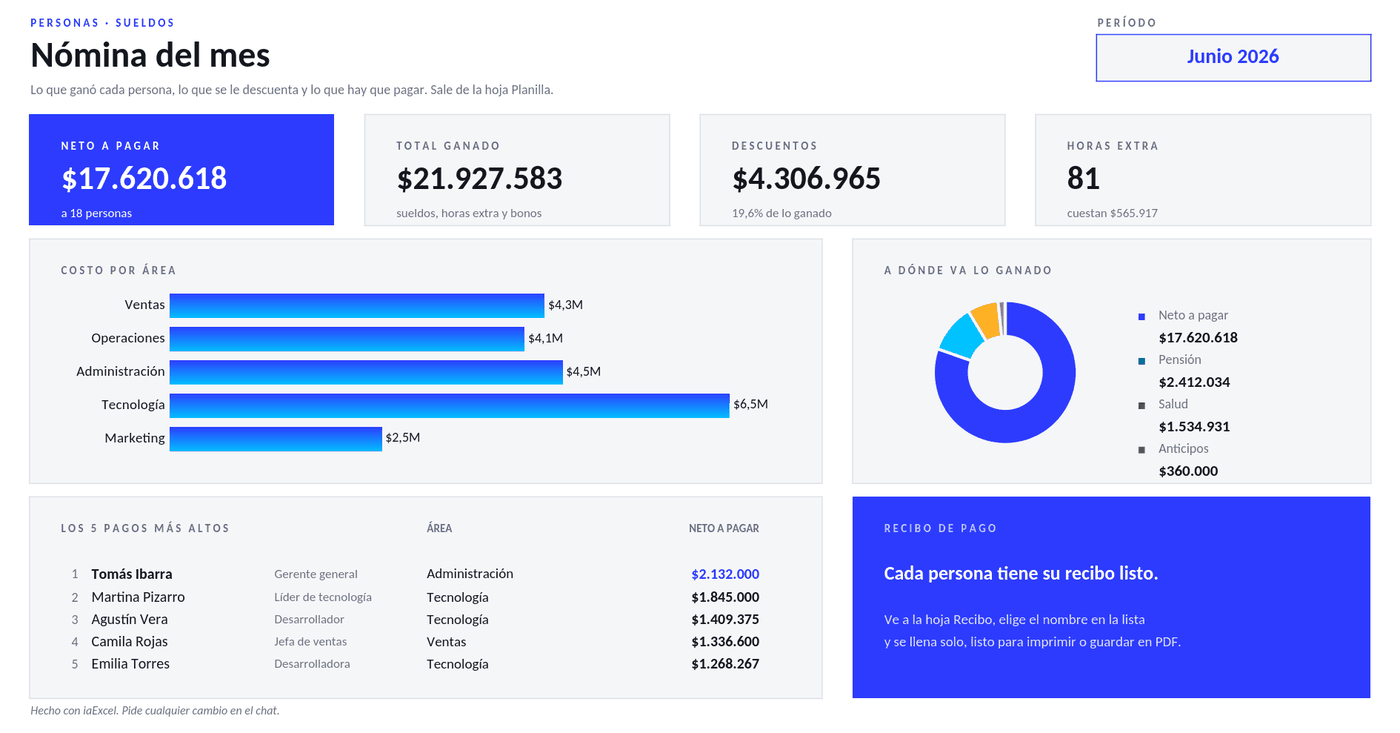 PeoplePayroll and pay slipsA payroll sheet that works out overtime, deductions and net pay for each person, with the cost by area and a printable pay slip that fills itself when you pick a name.
Need a workbook that isn't here?
Describe it in your own words and iaExcel builds it from scratch, with formulas and design.
Create my Excel with AI